Good books.
Better reading.
Practical help for ebook formats, reading devices, layout and privacy. Find the right next step for your library.
This page is in English. The language menu opens MOBI → EPUB converters, not translations of this page.
11 guides
 Kindle & Whispernet
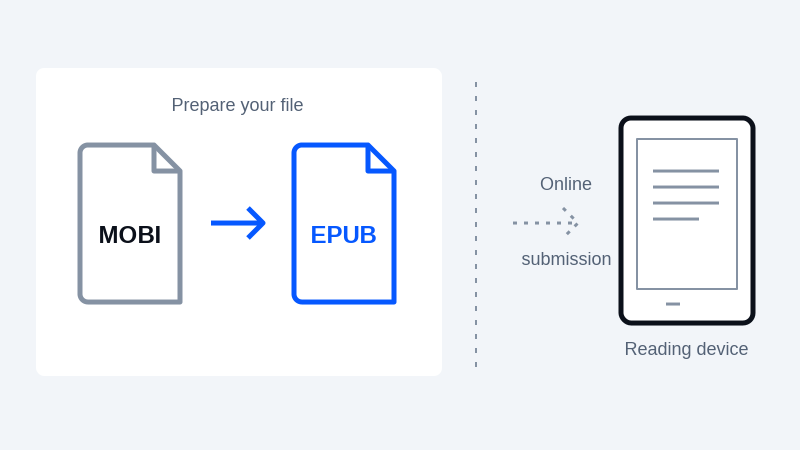
MOBI Not Sending to Kindle? Convert and Check Your EPUB
Understand the difference between sending a book to Kindle and copying a file to a device, and prepare an EPUB for the Send-to-Kindle workflow.
Read the guide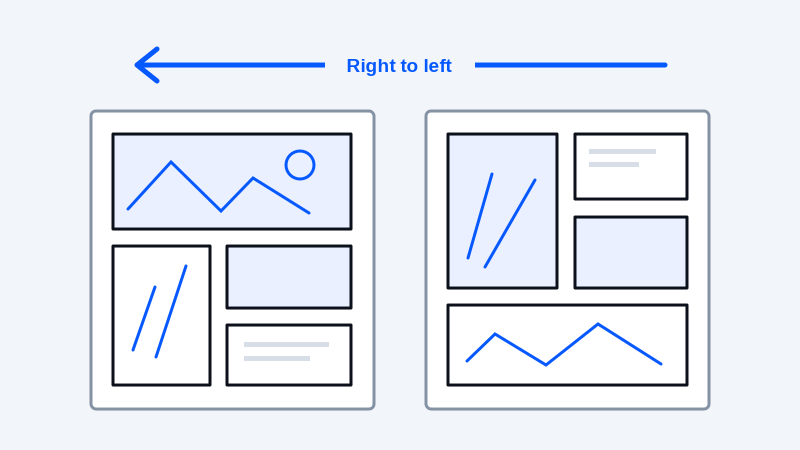 Manga & Graphics
Preparing Manga for E-Readers: Margins, Grayscale and Reading Order
Explore margin trimming, right-to-left reading order and grayscale preparation for comic pages on an e-reader. Device support and results vary.
Read the guide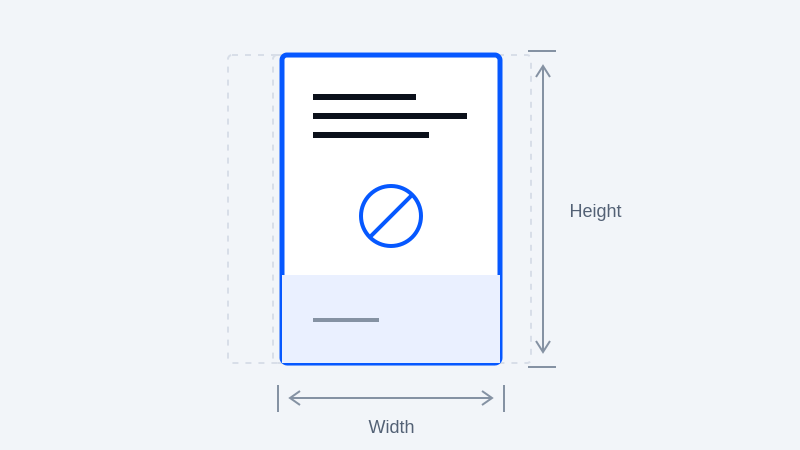 Typography & CSS
Ebook Cover Dimensions: Proportions, Metadata and Platform Requirements
A guide to cover proportions, pixel dimensions and ebook metadata. Check current platform requirements before preparing a publishing upload.
Read the guide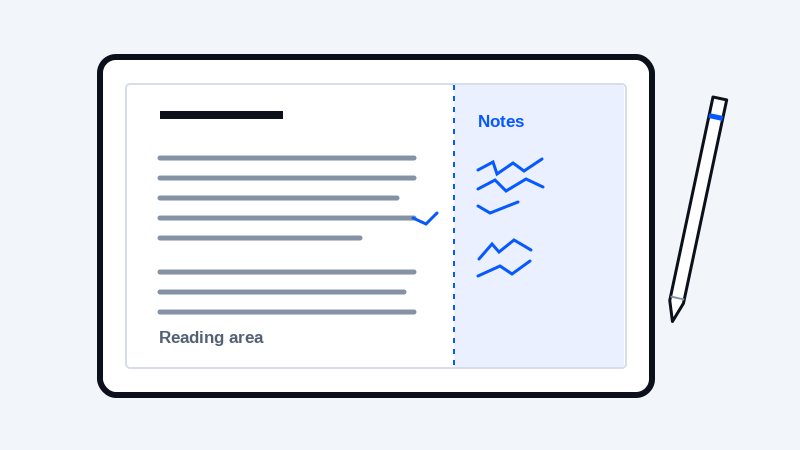 Hardware & E-Ink
Stylus Margin Ergonomics: Formatting EPUBs for Note-Taking Tablets
Consider reading-column width and writing space when preparing documents for note-taking tablets. Layout controls depend on the device and format.
Read the guide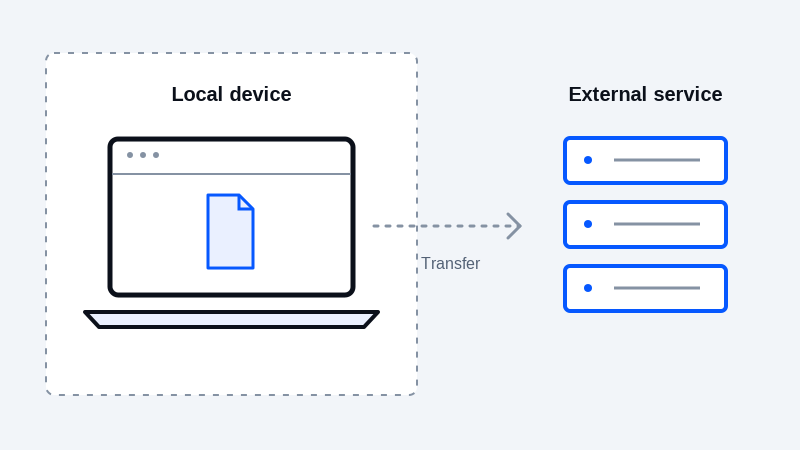 Security & Standards
Browser-Based and Cloud Conversion: Understanding File Privacy
Understand where ebook processing happens, what website requests can still occur, and which privacy questions to ask when choosing a converter.
Read the guide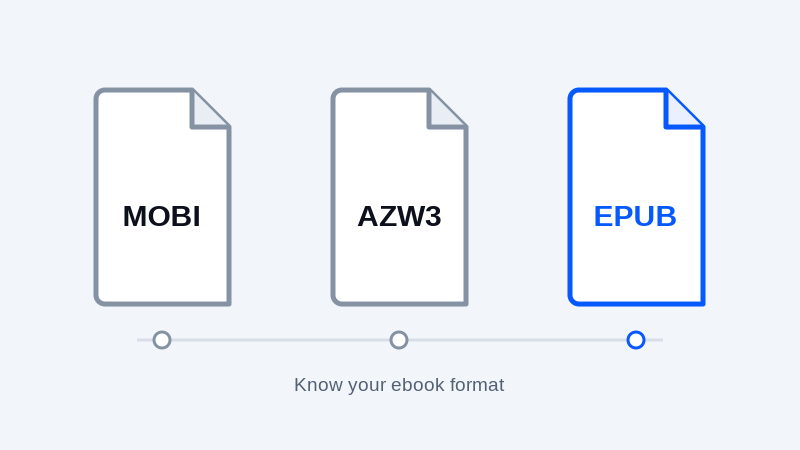 Security & Standards
AZW3 vs EPUB vs MOBI: Differences and Kindle Support
AZW3 vs EPUB vs MOBI compared: how each format is built, which readers and Kindle workflows accept it, and when converting a DRM-free book makes sense.
Read the guide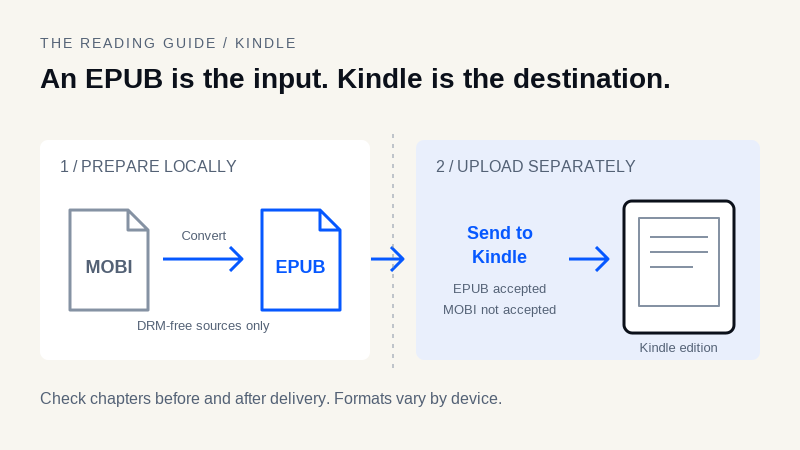 Kindle & E-Readers
Does Kindle Support EPUB? How Send to Kindle Converts EPUB and MOBI Files
Learn how Send to Kindle accepts EPUB, why MOBI needs conversion first, and how cloud delivery differs from USB sideloading. Check chapters, text and device support.
Read the guide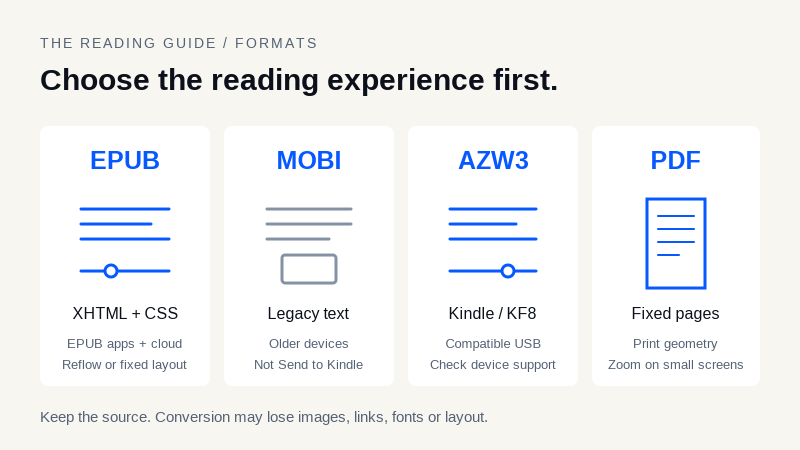 Format Architecture
EPUB vs MOBI vs AZW3 vs PDF: Which Ebook Format Should You Use?
Compare EPUB, legacy MOBI, Kindle AZW3 and fixed-page PDF by reading experience, delivery method and conversion losses. Choose a format for your actual reader.
Read the guide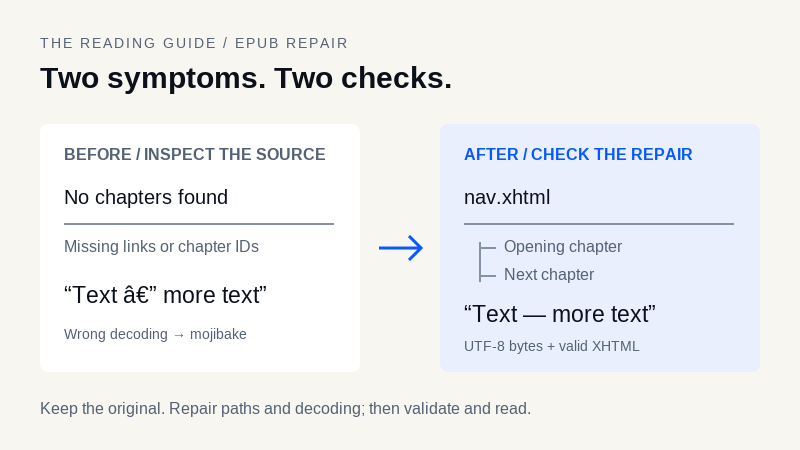 Typography & Layout
How to Fix Missing Table of Contents and Garbled Text When Converting MOBI to EPUB
Diagnose missing EPUB chapter navigation and mojibake separately. Check nav.xhtml, spine order and UTF-8 decoding without overwriting your original MOBI or AZW3.
Read the guide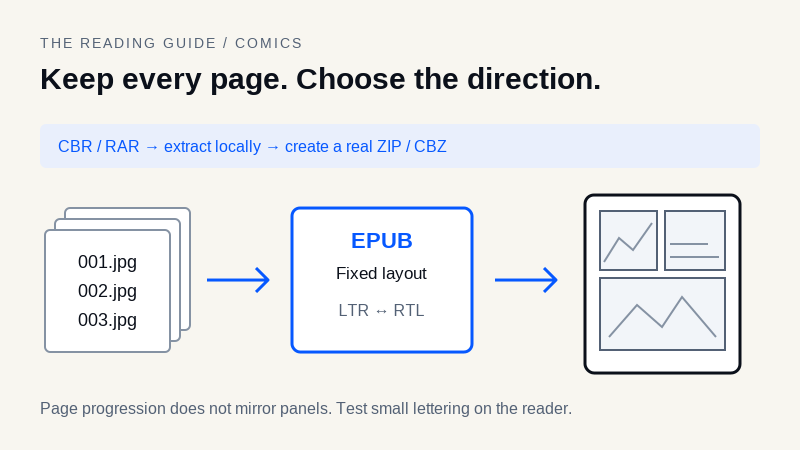 Comics & Fixed Layout
CBZ & CBR to EPUB: Preparing Comics and Manga for E-Ink Readers
Prepare comic archives for fixed-layout EPUB: convert CBR to a supported ZIP-based input first, check page order, choose RTL or LTR, and test artwork on e-ink.
Read the guide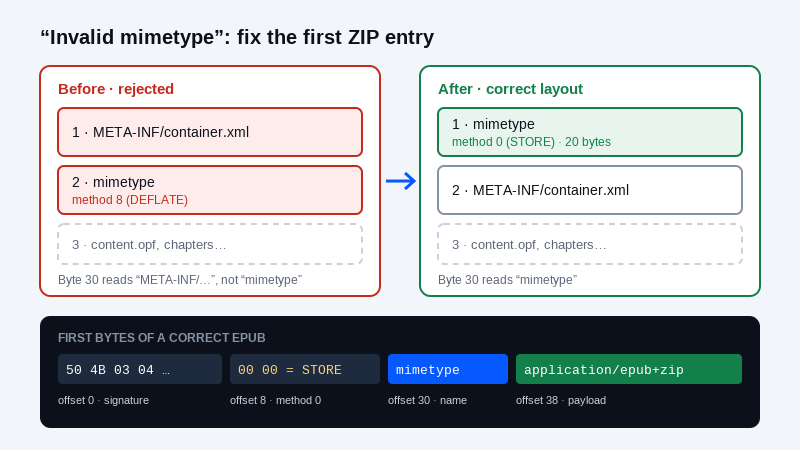 Format Architecture
How to Fix the EPUB Mimetype Error (Offset 30 STORE & container.xml Guide)
Fix EPUB mimetype and META-INF/container.xml errors when Send to Kindle or EPUBCheck rejects a repacked ebook: verify the uncompressed 20-byte application/epub+zip entry at byte offset 30, remove extra fields, and check rootfile paths.
Read the guideMore format comparisons
FB2 vs EPUB: differences and when to convertReady for a new format?
Convert supported DRM-free books in your browser, then check the result on your reader.