Reading space and writing space have different needs
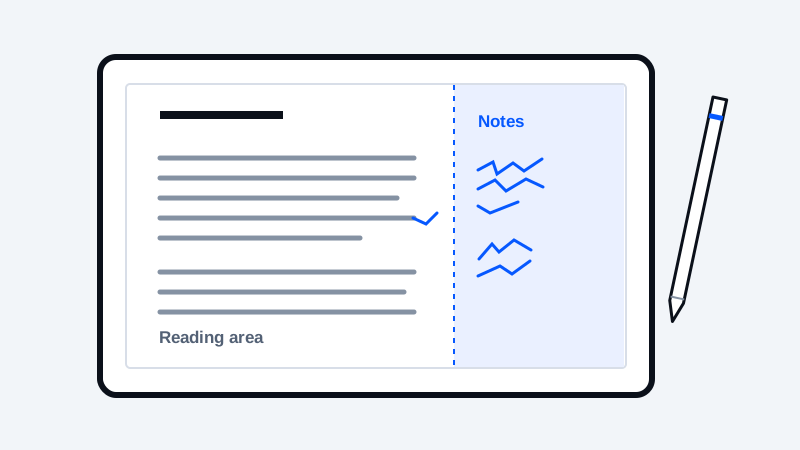
A page that is comfortable for reading may leave little space for handwriting. Before changing an ebook, decide what kind of notes you need: highlights, attached notes, writing beside a paragraph, or marks fixed to a page. The device, reading application, document format and import method determine which of those workflows is available.
Increasing a CSS margin does not itself enable handwriting or improve palm rejection. Those are device and software behaviors. There is no universal margin percentage that guarantees comfortable writing on every Kindle Scribe, reMarkable or other note-taking tablet.
Check the device's annotation workflow first
Amazon distinguishes note support by document type and delivery path. Its current guidance also excludes handwriting features in EPUB comics, manga and children's books. Check the current rules for your model before restructuring a library around one annotation method. Amazon document and note compatibility
For another manufacturer, consult that device's own help and test a short representative document. Do not assume that a result on one tablet predicts the result on another.
Choose reflowable text or a fixed page
Reflowable text can adapt when font size or screen orientation changes. That flexibility is useful for reading, but it means that the location of a paragraph can change. If your notes depend on a stable page arrangement, test whether the application's annotation system follows those changes.
A fixed-page document can be a better fit for a worksheet or a carefully designed writing area, while requiring more zooming on small screens. Choose according to the activity rather than converting every document into the same format.
Start with reader controls
Try the reader's built-in font size, line spacing and margin settings before editing the book. Make one change at a time. Check a dense paragraph, a heading, a table and a page with a note attached; an improvement to one page can make another less usable.
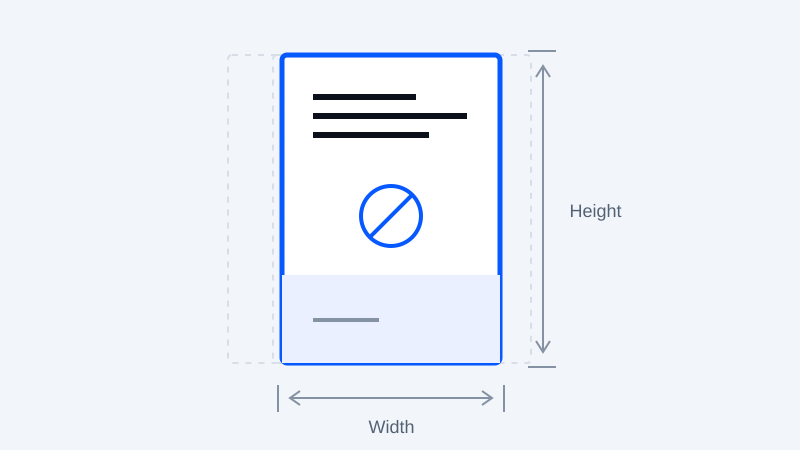
If the original is yours to edit, prepare a small test section with additional space on the side where you write. Treat the amount of space as an experiment. Leave enough room for the reading column to remain comfortable at your chosen text size.
Use an authoring workflow for precise layout changes
Calibre documents page-setup options, output profiles and margins, with behavior depending on the output format. That is an external editing/conversion workflow, not a guarantee about how every reading application will render the result. Calibre page setup
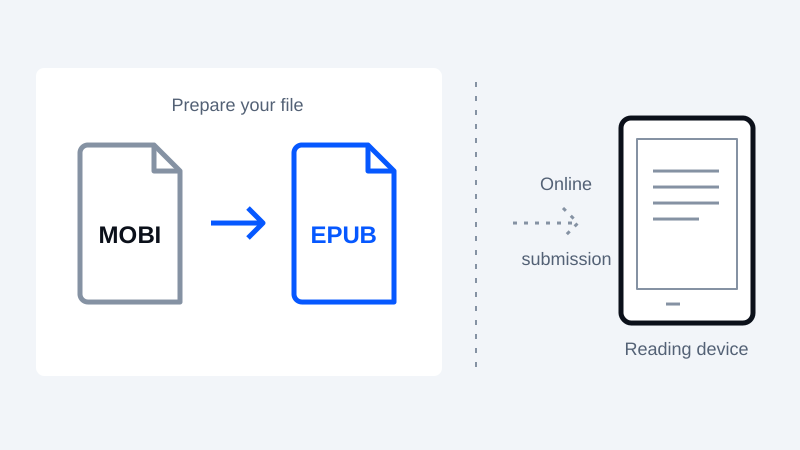
MobiToEpub produces reflowable EPUB from supported text-oriented inputs. Its current pipeline is not a handwriting-layout editor and cannot promise exact margin placement across devices. A source file's elaborate stylesheet or embedded resources may not be preserved.
Test before committing your notes
Create a few notes in the test document, change orientation and text size where supported, then close and reopen it. Check that notes remain attached in the way you expect. Test any export or backup process you plan to rely on, using nonessential notes first.
Keep both the source and an unannotated copy of the final document. Once substantial notes exist, replacing the underlying file with a newly converted version may create a separate document rather than updating the one already annotated.
Keep your original. Try a new format.
Check converter availability and use DRM-free files you have permission to convert.
Open the converter