Start with the destination, not a universal size
An ebook cover has several jobs: it may appear as a small library thumbnail, as a full page inside the book, or as a store listing image. Those contexts do not necessarily use identical requirements. Choose the destination first and consult its current publishing documentation before exporting the final artwork.
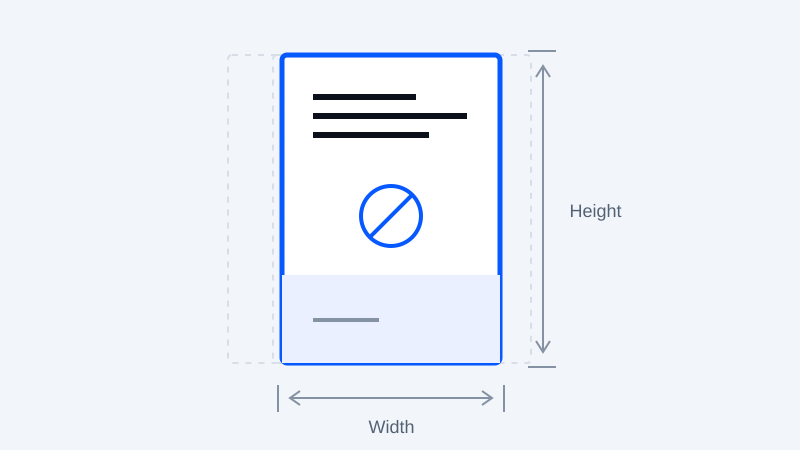
For a concrete example, Amazon KDP currently identifies 2,560 pixels high by 1,600 pixels wide as ideal cover dimensions, accepts JPEG or TIFF, and specifies RGB color and a file smaller than 50 MB. These are KDP publishing requirements; they are not a specification for every reader or another bookstore. Amazon KDP cover requirements
Understand proportions and pixel dimensions
Aspect ratio describes shape. Pixel dimensions describe how much image information is available. Two images can share a shape while having very different detail. Avoid distorting artwork to fit a target ratio: crop deliberately, extend a background, or redesign the composition instead.
Keep an editable master with room around critical text. Export a copy for each destination, then inspect it at both full size and thumbnail size. Small type, fine lines and low-contrast text may disappear in a library grid even when a large preview looks clear.
A cover's shape is not a promise that it exactly matches a device screen. Readers may add margins, crop previews or display a different background. Test the contexts important to your audience.
Store artwork and embedded cover metadata are separate
Uploading an image to a publishing dashboard and including a cover inside an EPUB are different operations. For an EPUB that contains cover artwork, the package manifest can identify that resource with properties="cover-image". This identifies the image; it does not control every application's thumbnail behavior. W3C EPUB cover-image property
For example, an authoring tool might create a manifest entry like this:
<item id="cover" href="images/cover.jpg"
      media-type="image/jpeg" properties="cover-image" />
The referenced file must actually exist in the EPUB. A visible cover page can also link to that image as part of the book's reading order. Use an EPUB authoring or editing tool to manage those resources consistently.
What this converter preserves
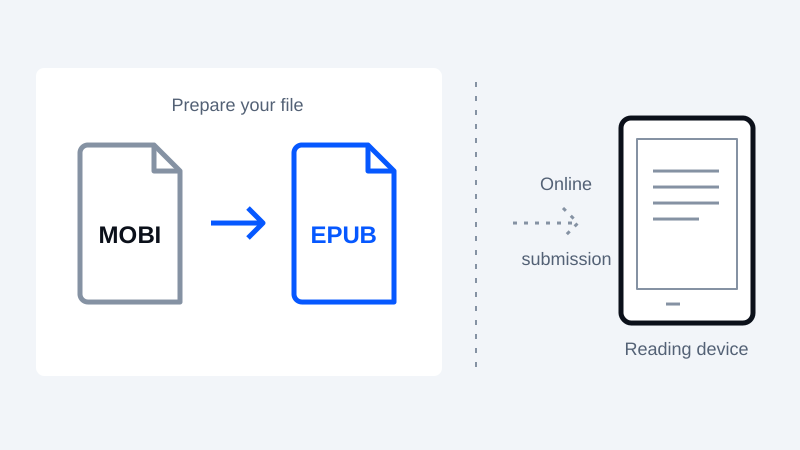
The EPUB writer embeds a supported PNG or JPEG cover when one is present in the book metadata; without supported artwork it creates a text title page. The EPUB and FB2 input parsers can retain supported embedded PNG and JPEG covers, but omit inline illustrations. The text-oriented MOBI-family parser does not provide general extraction of original cover artwork or embedded images.
You can create or add artwork using the Cover designer and apply it to the first unconverted book in the queue, or download the design as a JPEG. This English-language tool is separate from recovering an original cover. Inspect the exported book: embedding a cover is not a guarantee of a thumbnail in every reading app.
Investigate a missing thumbnail methodically
First check whether the artwork exists inside the output file. Then check the resource path, image type and metadata. If the image appears inside the book but not in the library, test another reading application and review the receiving platform's current guidance. A thumbnail issue is not proof of one specific metadata error.
Before distribution, inspect the finished book and run a structural check with EPUBCheck. Keep the master image, original ebook and tested export so future changes do not require rebuilding the cover from a compressed thumbnail.
Keep your original. Try a new format.
Check converter availability and use DRM-free files you have permission to convert.
Open the converter