Why comic pages need a different workflow
A scanned comic page is an image of a layout. A novel is usually text that can reflow. Treating both as the same conversion problem can produce tiny lettering, lost artwork or an unusable reading order. Before changing a comic archive, decide whether the reader needs complete pages, enlarged panels or a continuous vertical view.
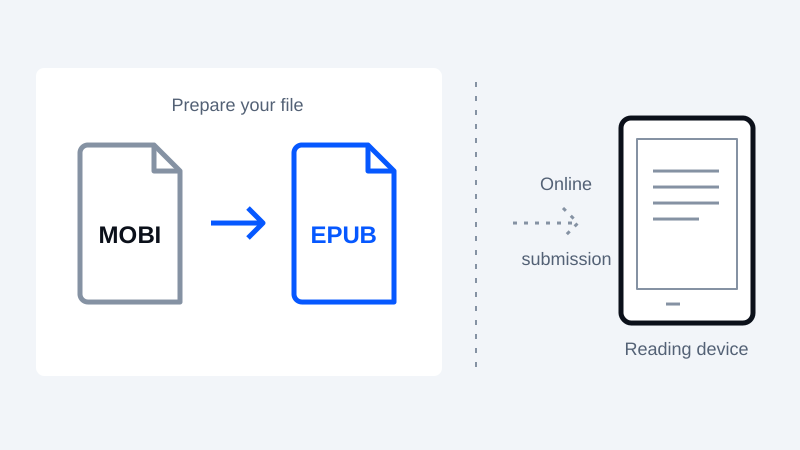
The CBZ to EPUB converter creates a fixed-layout EPUB from comic images in filename order. CBR/RAR archives are not supported. Choose the reading direction in Options; the converter does not detect manga direction or rearrange panels. This route does not automatically crop or dither pages.
For optional border trimming, open the Comic to EPUB studio, which accepts CBZ, ZIP or supported image files. Inspect the preview before trimming a page or the whole volume. The separate Image dithering tool processes one image at a time and exports PNG; it is not an automatic whole-archive enhancement step. These specialist tools currently use English.
Keep an untouched copy and inspect representative pages
Choose several pages before processing a whole volume: a dialogue-heavy page, a dark page, a spread and a page with artwork close to its edges. Open them at the size you expect to read. If lettering is already illegible at that scale, increasing a pixel count alone will not restore the missing detail.
Check archive ordering as well. Page numbers in filenames should sort in the intended order, and covers or inserts should not accidentally interrupt the story. Record any changes you make so you can undo them.
Trim margins carefully
Removing excess white border can give the artwork more room, but a single crop rectangle may cut off speech bubbles, page numbers or artwork on another page. Start with a conservative crop, compare before and after, then review every affected page. Automatic results still need inspection.
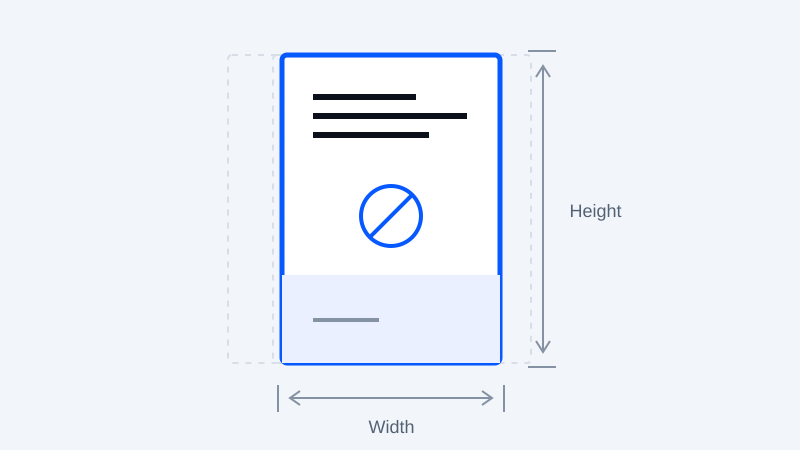
Do not stretch the page to fit a different screen shape. Prefer preserving proportions, and decide whether remaining borders are better than losing content. Landscape spreads may need a separate treatment from ordinary portrait pages.
Test grayscale and dithering on the actual reader
Color artwork can become difficult to distinguish on a monochrome display. Preview a grayscale version, checking lettering against its background and adjacent dark tones. Dithering uses patterns to approximate tones; depending on the art and display, it may improve shading or add distracting texture.
There is no universal threshold or guaranteed setting for every screen. Compare a small test file on the device before exporting a full volume. Keep the higher-quality source so an unsuitable grayscale conversion is reversible.
Preserve reading direction
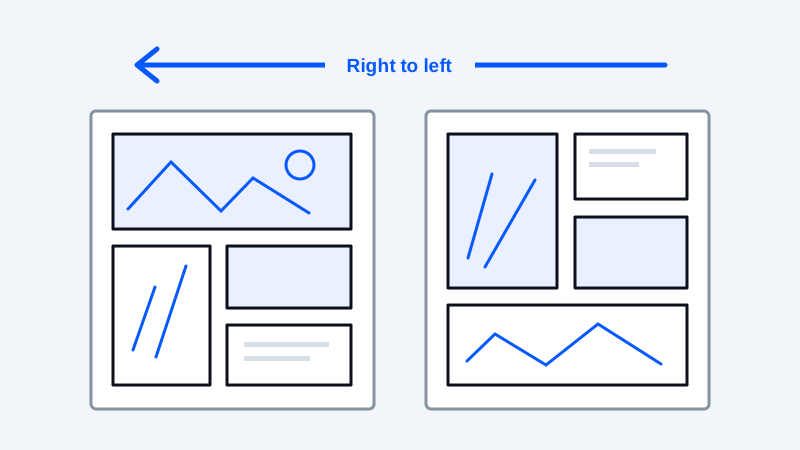
Page order and text direction are different settings. EPUB's spine can specify right-to-left page progression, but that does not rearrange panels inside an image. Set the reading order to match the original work and test navigation in the receiving application. W3C EPUB spine specification
For an external desktop workflow, Calibre documents comic-book collections and conversion options. Check the selected input/output formats and inspect its output rather than assuming all comic features survive. Calibre conversion documentation
Final reading check
Verify every page is present, covers and spreads are in sequence, navigation follows the intended direction, and small text remains readable. If using Kindle, check the current delivery and device requirements separately. An EPUB extension alone does not guarantee that a fixed-layout comic will behave like a reflowable novel.
Keep your original. Try a new format.
Check converter availability and use DRM-free files you have permission to convert.
Open the converter