Start with the reader and the reading task
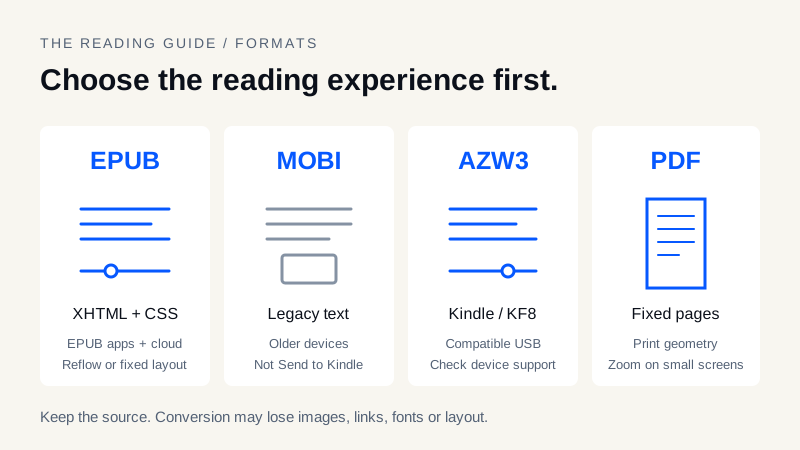
For an ordinary text book in an EPUB-capable app, a checked reflowable EPUB is usually a practical starting point. For a compatible Kindle over USB, AZW3 may suit the device. For an old reader that specifically needs Mobipocket content, a legacy MOBI edition may still be useful. For a page whose exact geometry matters, PDF can be preferable to a reflowable conversion.
Those are workflow choices, not a quality ranking. A well-authored PDF can be accessible and searchable; a scanned PDF may contain only images. An EPUB can be reflowable or fixed-layout. The extension alone does not tell you whether a book contains valid navigation, selectable text, complete illustrations or accessibility metadata.
EPUB vs MOBI vs AZW3 vs PDF at a glance
| Format | Typical structure and reading behavior | Best starting point | Main caveat |
|---|---|---|---|
| EPUB | Packaged XHTML, CSS and resources; reflowable or fixed-layout | EPUB reading apps, compatible devices, Send to Kindle input | Support for individual features varies by reader |
| MOBI | Legacy Mobipocket/Palm database family; commonly reflowable text | A specific older device that needs it | Limited modern styling; not current Send to Kindle input |
| AZW3 / KF8 | Kindle-oriented container with richer HTML/CSS support | Compatible Kindle USB workflows | Not universally readable; DRM and compression can block conversion |
| Positioned content on fixed-size pages | Print-faithful documents, forms and large-screen reading | Small screens may require zooming; scans need OCR for text extraction |
The W3C EPUB specification describes a publication container, not a guarantee that every EPUB uses its capabilities well. Likewise, an AZW3 extension is not proof that the file is unprotected or compatible with every Kindle firmware version.
Reflowable text versus a fixed page
In a reflowable novel, increasing the font size changes line breaks and usually the number of screens needed to read a chapter. That is helpful on a phone or compact e-reader. Images, tables, footnotes and headings still need careful authoring; reflow does not automatically make a book accessible.
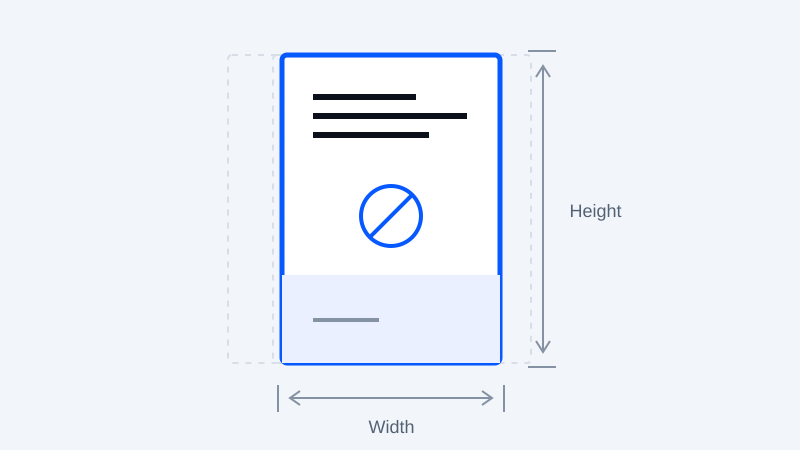
A PDF usually preserves its page coordinates instead. That is useful when a diagram's position, a music score or a form must remain stable. It can be frustrating when a whole printed page is squeezed onto a six-inch screen. Some reading apps offer text reflow, but results depend on the document and app. Turning a scan into EPUB without OCR does not turn the photographed words into editable text.
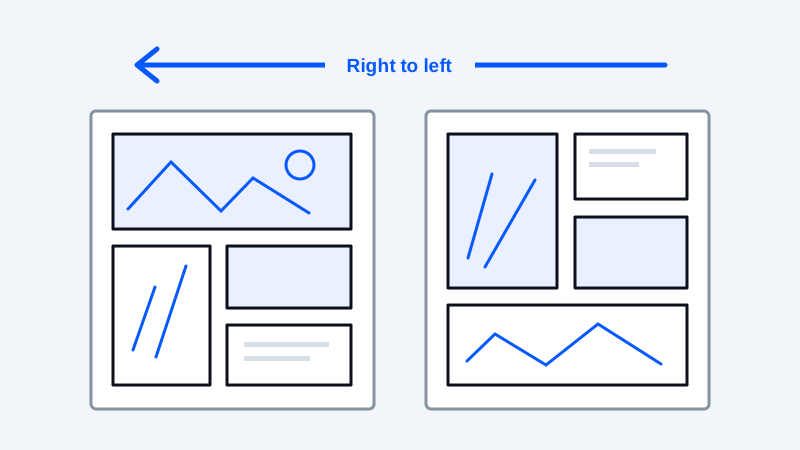
Fixed-layout EPUB is a separate option for comics and illustrated pages. It retains a page design while using EPUB packaging. Before choosing it, test the intended reading system; support is not identical to reflowable EPUB support. See the comic archive preparation guide.
How to send EPUB to Kindle: choose delivery before conversion
If your goal is the cloud library, Amazon Send to Kindle accepts EPUB as an input and processes it for the Kindle ecosystem. That is different from copying an EPUB over USB. Do not convert EPUB to MOBI merely because the destination is called Kindle: first determine how you plan to deliver the file.
A sound workflow is to inspect the EPUB locally, submit it through the supported channel, sync the intended device and inspect the delivered copy. The Kindle EPUB guide covers account checks and delivery failures. Acceptance by an upload form does not certify the resulting typography, page order or contents menu.
Can you send MOBI to Kindle, or keep it for USB?
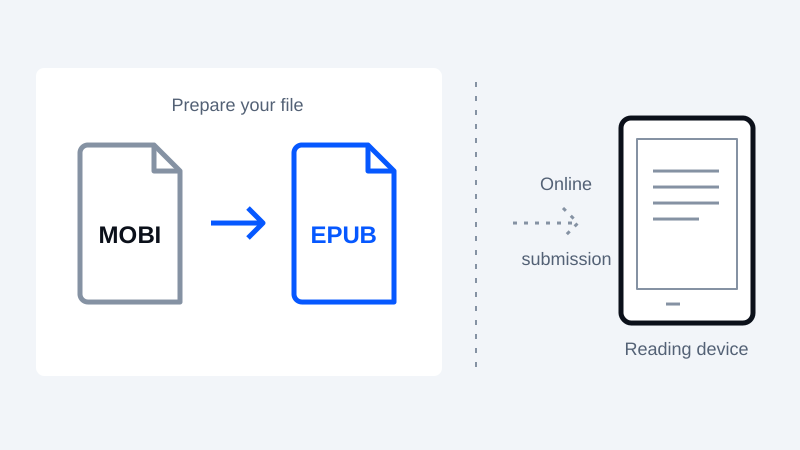
MOBI is absent from the current Send to Kindle supported-format list. Older device compatibility and current cloud acceptance are different questions. Keep a MOBI original if it works on your older reader; create a checked EPUB copy if you need the modern submission workflow.
The MOBI to EPUB converter handles supported DRM-free text inputs. The reverse EPUB to MOBI converter creates a legacy MOBI 6 text edition for compatible readers, not an AZW3/KF8 or KFX edition. Neither changing the filename nor choosing a different extension restores resources that a converter did not preserve.
AZW3 to EPUB and EPUB to AZW3: preserve the right master
Use AZW3 to EPUB when a supported DRM-free source needs an EPUB text edition. This site's MOBI-family parser does not reconstruct every complex KF8 layout or embedded resource. Keep your original, compare several chapters and choose a desktop workflow when illustrations or detailed styling are essential.
For EPUB to AZW3, consult a dedicated desktop tool such as Calibre's conversion workflow, select the required output and test the actual Kindle USB workflow. This website does not promise AZW3 output. Converting a file you are entitled to use is distinct from removing DRM, which this site does not do.
Understand what a conversion can lose
A text-oriented conversion can discard layout, internal links, fonts or inline images even when the resulting book opens successfully. This site's PDF input extracts selectable text; scanned pages need a separate OCR workflow first. Its PDF output is an image-based A4 text edition, not a faithful reproduction or a searchable text PDF.
Compare a dialogue page, a chapter with footnotes, a table and the ending before converting a whole library. For damaged navigation or punctuation, use the EPUB repair guide. When possible, return to the highest-quality source rather than converting the same lossy output repeatedly.
A practical format-selection checklist
- Name the destination device, app and delivery method before choosing a format.
- Decide whether adjustable text or fixed page geometry matters more.
- Confirm that the source is DRM-free and that you have permission to convert it.
- Check images, links, tables, contents and punctuation in the output.
- Keep the original master and a tested copy rather than replacing your whole library.
Use the format that solves the reading problem with the fewest unnecessary conversions. There is no universal winner for novels, comics, scanned textbooks and print-ready documents.
Frequently asked questions
How to send EPUB to Kindle without converting it to MOBI first?
Submit a checked EPUB through Amazon Send to Kindle. EPUB is a supported input; the service processes it for Kindle reading. Direct USB copying is a separate compatibility question.
Should I send EPUB to Kindle or use a PDF?
For ordinary adjustable text, start with a good reflowable EPUB. PDF may be better when page geometry matters, but inspect it at the intended screen size. Neither choice guarantees perfect delivery or rendering.
Can I send MOBI to Kindle, or is it only useful for older readers?
MOBI is not currently listed for Send to Kindle submissions. It may still suit an older compatible device over USB. Prepare an EPUB copy for cloud delivery instead of renaming the MOBI file.
When should I convert AZW3 to EPUB rather than EPUB to AZW3?
Convert supported DRM-free AZW3 to EPUB when you need an EPUB reading app or a supported cloud input. Consider EPUB to AZW3 in a desktop tool for a compatible Kindle USB workflow. Keep the source because conversion can lose layout and resources.
Keep your original. Try a new format.
Check converter availability and use DRM-free files you have permission to convert.
Open the converter